
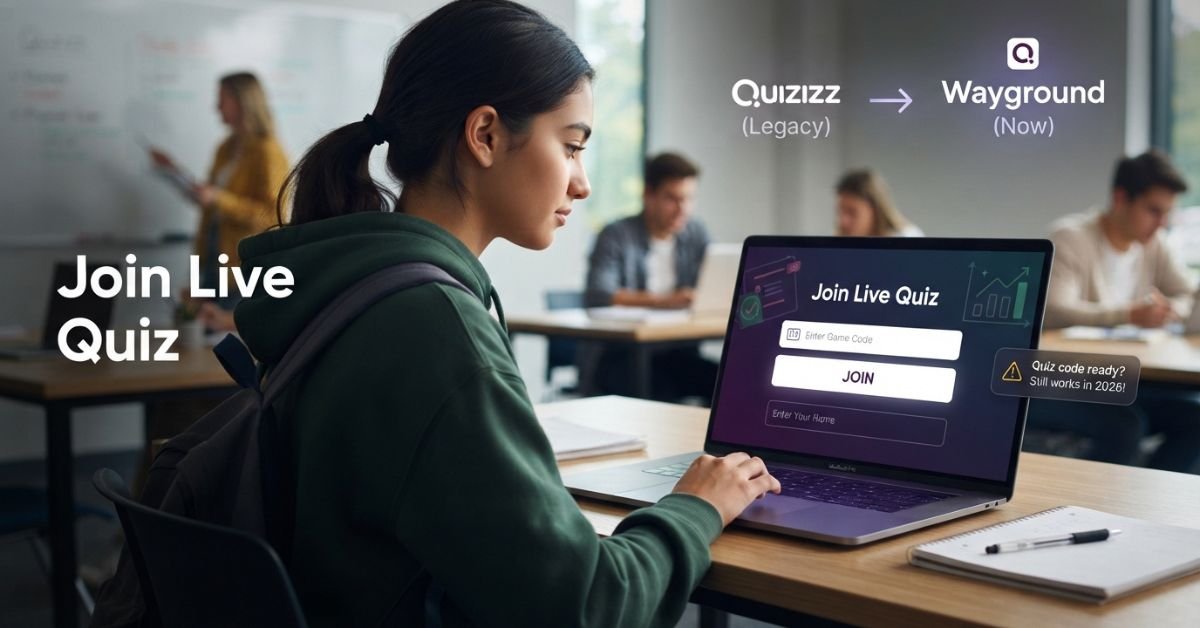
If you run into issues joining a game, do not panic. Most joining problems stem from simple typos, expired session codes, or network restrictions.
The Code Is Invalid or Expired
When the site says your code is invalid, double-check every digit first. It is easy to mistype a number when entering a code quickly.
- Recheck every digit against what your teacher wrote on the board.
- Confirm with your teacher or host that the live session is still active.
- Ask your teacher for the current code if the game restarted.
- Do not try to reuse an old code from yesterday or another class period.
The Join Page Will Not Open or Keeps Redirecting
Sometimes your web browser gets stuck while loading the entry portal.
- Check the URL to ensure you typed joinmyquiz .com correctly.
- Refresh the web page using your browser re-load button.
- Try opening the page in a different web browser like Chrome, Edge, or Safari.
- Delete any old web bookmarks that point to outdated Quizizz addresses.
- Go directly to the official Wayground join page provided by your teacher.
The Page Loads but You Cannot Join
If the website loads fine but pressing the join button does nothing, your connection may have dropped.
- Check your Wi-Fi or cellular internet connection to make sure you are online.
- Switch to mobile data briefly as a diagnostic test if you are on a phone.
- Disable aggressive ad blockers or browser extensions that block web scripts.
- Restart your web browser or turn your device off and on again.
- Confirm with your classmates whether the teacher has actually started the session yet.
School Wi-Fi Blocks the Quiz
School networks often run strict firewalls that block live web features. These filters can let the homepage open while still blocking the real-time game stream.
- Real-time games rely on background connection technology called WebSockets.
- Network filters may allow basic websites but block these dynamic live connections.
- If gameplay fails, ask your school IT administrator to review the required Wayground network domains.
- Avoid trying to bypass school network security controls yourself on school devices.
| Problem | Likely Cause | Quick Fix |
| Invalid code message | Mistyped digit or ended session | Double-check numbers or request a new code |
| Page keeps spinning | Broken bookmark or browser cache | Refresh page or try a clear browser window |
| Button will not submit | Connection drop or bad extension | Turn off ad blockers and test internet connection |
| Stuck on loading screen | School Wi-Fi firewall blocking real-time feed | Ask teacher or IT team to check network rules |
Common Mistakes When Joining a Quiz
Avoid these common mistakes to join your class game on the first try:
- Entering one digit incorrectly: Always double-check your numbers before clicking submit.
- Using an old code: Remember that every new class period requires a fresh session code.
- Following outdated instructions: Old Quizizz printouts might list retired steps, so follow the current layout.
- Opening unofficial websites: Ensure you use official entry points like joinmyquiz .com or Wayground.
- Confusing student join with teacher login: Do not click host sign-in buttons when you just want to play.
- Joining after the session ends: Game codes stop working the moment your teacher closes the room.

Is joinmyquiz .com the Same as Quizizz and Wayground?
Yes, all three names connect to the exact same platform. Understanding the name change helps eliminate confusion during class.
+-------------------------------------------------------+
|                 BRAND EVOLUTION TIMELINE              |
+-------------------------------------------------------+
|  Quizizz (Legacy Name)                                |
|     |                                                 |
|     +--> Wayground (Current Official Brand)          |
|             |                                         |
|             +--> joinmyquiz .com (Fast Shortcut)    |
+-------------------------------------------------------+
- Quizizz: This is the original name of the platform that many teachers and students remember.
- Wayground: This is the updated primary brand name used across the site today.
- joinmyquiz .com: This remains the dedicated short web link for students joining a game.
Because many online guides, old bookmarks, and classroom slides still reference Quizizz, you might see both names used together. Rest assured that using the joinmyquiz .com shortcut sends you straight to the active Wayground platform.
Browser vs Mobile App: Which Should Students Use?
You can participate using either a mobile app or a standard internet browser. Pick the method that works best for your situation.
| Method | Best For | Account Needed? | Main Advantage |
| Browser | Quick classroom joining | Usually not for basic joining | No installation required |
| Mobile App | Regular mobile use | Depends on activity setup | Smooth app-based experience |
| Direct Join Link | Teacher-shared links | Depends on activity setup | Fastest entry option available |
If you are using a school computer, stick with the browser method. If you use your personal phone for daily quizzes, downloading the app might save you time.
What Teachers and School IT Teams Should Know
Educators and technical staff can take a few steps to keep classroom games running smoothly.
- Live interactive games require steady, real-time web connectivity to sync student answers.
- Content filters and firewalls must allow network traffic for active Wayground domains.
- IT teams can review official Wayground documentation to ensure required services are unblocked.
- Basic join-code issues are separate from advanced Learning Management System (LMS) integrations like Canvas.
+-------------------------------------------------------+
|                   IT QUICK CHECKLIST                  |
+-------------------------------------------------------+
|  [ ] Allow WebSocket traffic on port 443              |
|  [ ] Permit official Wayground network domain URLs    |
|  [ ] Ensure student devices have active internet access|
+-------------------------------------------------------+

Quick Checklist Before You Join
Run through this fast checklist before your class game begins:
- [ ] Open the correct entry page using joinmyquiz .com.
- [ ] Get the fresh, active room code from your teacher.
- [ ] Confirm your device has a stable internet connection.
- [ ] Use an updated web browser or the official mobile app.
- [ ] Type your required name or student nickname clearly.
- [ ] Wait patiently for your teacher to launch the live session.
- [ ] Ensure your school Wi-Fi is not blocking live game connections.
+-------------------------------------------------------+
|                READY-TO-PLAY CHECKLIST                |
+-------------------------------------------------------+
|  1. Active URL  --->  2. Current Code  --->  3. Join! |
+-------------------------------------------------------+
Frequently Asked Questions About joinmyquiz .com
What is joinmyquiz .com?
It is a fast shortcut web address that allows students to enter a live game using a code provided by their teacher.
Is joinmyquiz .com still working in 2026?
Yes, the web address remains fully functional and redirects students directly to the official active joining portal.
Is Quizizz now called Wayground?
Yes, Quizizz rebranded its platform name to Wayground, but the overall quiz features stay the same.
How do I join a quiz with a code?
Go to the entry site, type your numeric code into the box, enter your display name, and submit.
Do students need an account to join a quiz?
No, students usually do not need an account unless a teacher specifically requires saved assignment tracking.
Where do I enter a Wayground join code?
You can type your room code directly on the home page at joinmyquiz .com or the Wayground join page.
Why does my quiz code say invalid?
Codes show as invalid if you mistype a digit, if the session ended, or if you are using an old code.
Can I join a Wayground quiz on my phone?
Yes, you can join using any mobile web browser or by downloading the official mobile application.
What should I do if the join page does not open?
Refresh your browser, check your internet connection, clear old bookmarks, or try a different web browser.
What is the difference between joinmyquiz .com and Wayground.com/join?
There is no operational difference; both web addresses lead students to the exact same game entry page.
What does a ?gc= join link mean?
The ?gc= text in a link stands for “game code” and automatically fills in the session numbers for you.
Why is a quiz blocked on my school network?
School firewalls sometimes block the real-time WebSocket connections required for live game features to update.
You Could Also Like:
homerocketrealty .com: What It Is, Features, Legitimacy & Alternatives
BlessingTide com: What Is It and Is It Safe to Use?
Disclaimer:
Disclaimer: This article is for informational and educational purposes only. It is not official advice or a guarantee of service availability. Some images may be AI-generated for illustrative purposes. All copyrights, trademarks, and brand names belong to their respective owners. Please verify details with official sources.

Victor Rennard is a multi-niche writer for BaddieHubMagazine.com, creating clear and engaging articles across lifestyle, trends, tech, entertainment, and general guides. With a simple, helpful writing style, Victor aims to give readers quick insights and reliable information on topics that matter.


